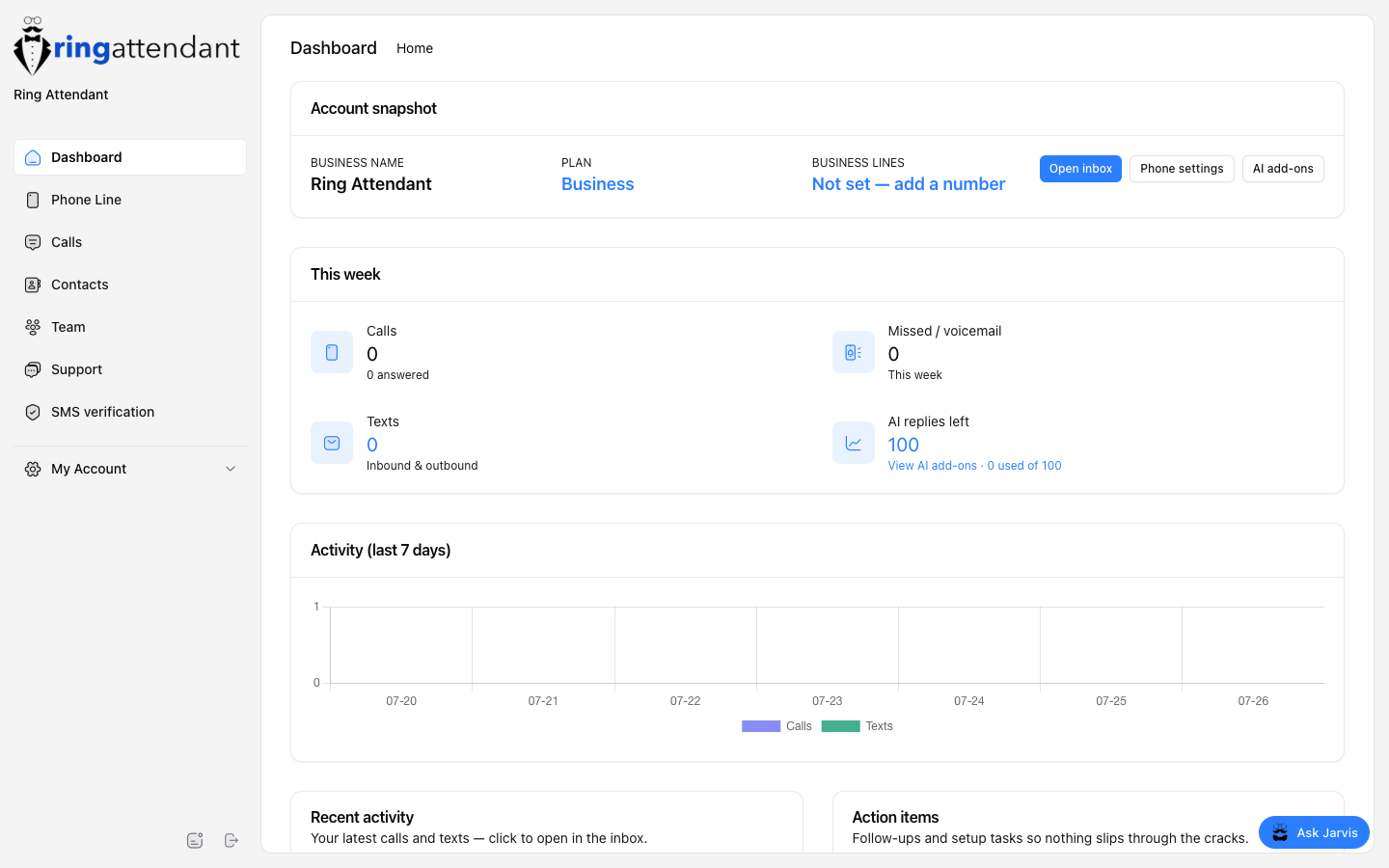
RingAttendant gives small businesses a dedicated business phone number — without buying a second cell phone or a desk phone system. Callers reach your business line; you answer on your personal phone, in the web app, or in the iOS app. Missed calls go to in-app voicemail and can trigger a custom text so customers know you will follow up.
Why RingAttendant?
- Professional presence — Publish a local business number instead of your personal cell. Keep work and personal separate.
- Never miss the follow-up — Unanswered calls hit app voicemail (not your personal carrier voicemail), and you can auto-text the caller.
- Built for small teams — Invite staff, share the line, text from the same number, and optionally turn on Jarvis for AI SMS replies.
- Works where you work — Use the web dashboard today; the iOS app adds CallKit calling and push alerts for inbound texts.
How does it work?
When someone dials your RingAttendant number:
- The call is handled by our telephony partner (Twilio).
- Depending on your Settings choice, we ring your personal cell, the mobile app, or your published Call flow (Business+ — menus, ring order, open/closed paths).
- If nobody answers in time, the caller reaches your RingAttendant voicemail greeting.
- Optionally, we send your missed-call SMS template to the caller so they know you got the message.
Inbound and outbound SMS live in Calls → Inbox. You reply from the web (or iOS) using your business identity — after SMS verification is approved, texts send from your business number.