
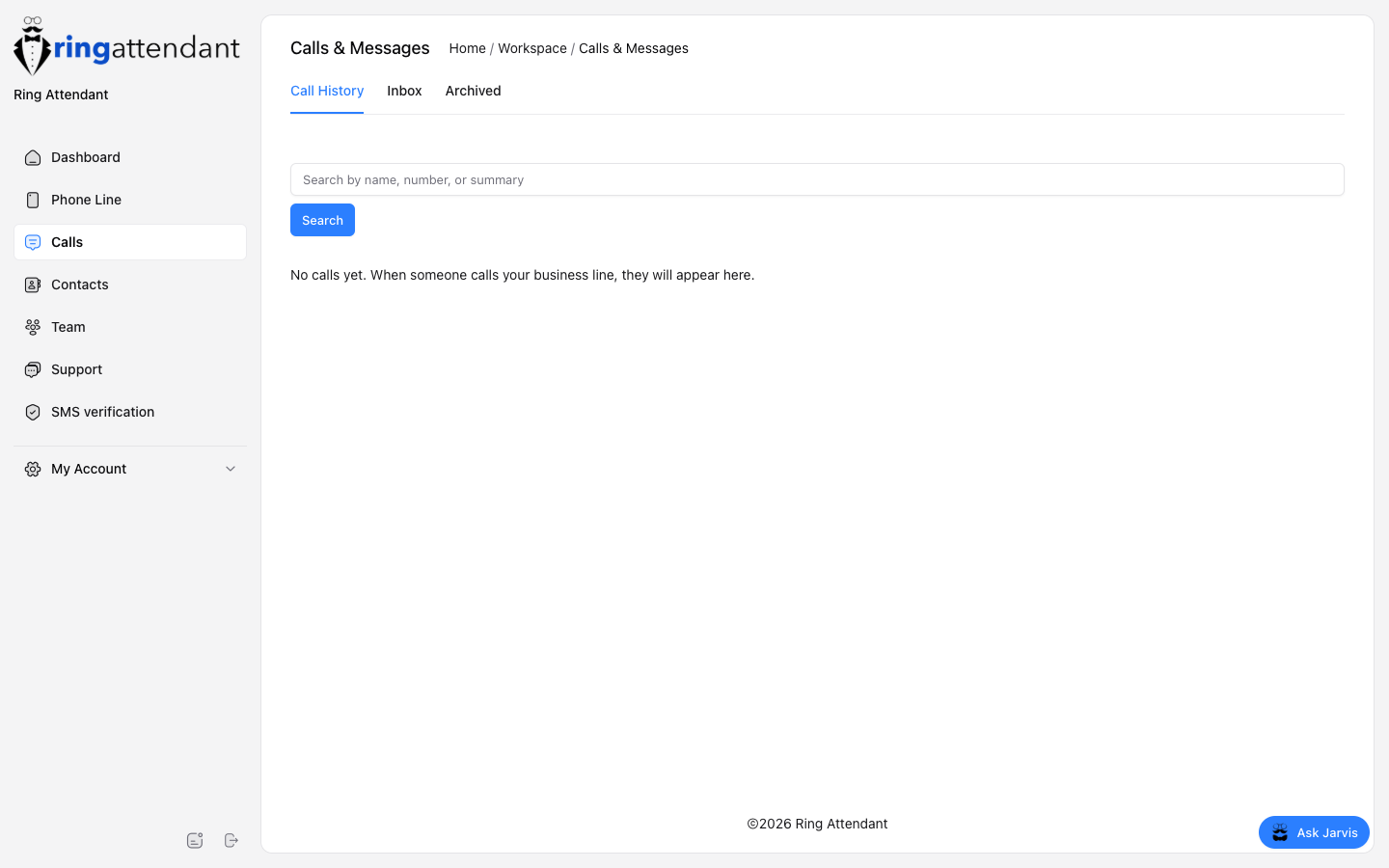
Sidebar → Calls is your communication inbox.
- Call History — answered, missed, and related call records.
- Inbox — SMS threads with contacts.
- Archived — conversations you have cleared from the main inbox.
Use search to find a person by name, number, or summary text.
Replying by SMS
Open a conversation in Inbox, type your reply, and send. Until 10DLC is approved, outbound texts may send from a shared Ring Attendant number that includes your business name. After approval, they send from your business line.
If Jarvis auto-reply is enabled on the line, you can still take over by sending a manual reply.