
Your business line is the number customers dial and (after verification) the number they text. Open it anytime from Sidebar → Phone Line.
Buy a number
- Enter a 3-digit area code.
- Optional filters: state, vanity words, city.
- Find numbers → choose a result → purchase.
We configure voice and SMS webhooks automatically so calls and texts route into RingAttendant.
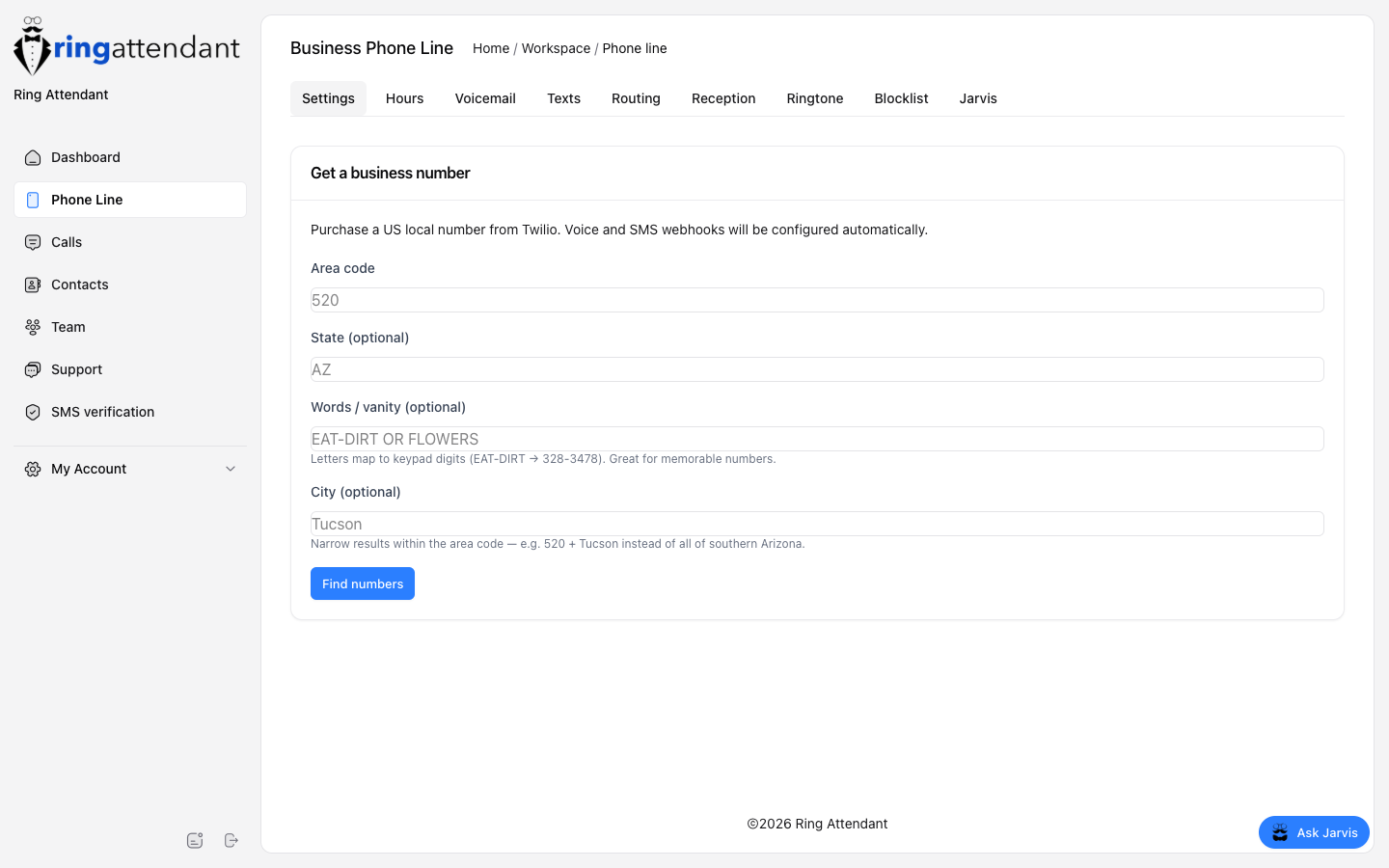
Settings tab
After purchase, configure:
- Label — friendly name (e.g. “Front Desk”).
- Where should calls ring? — one of three modes on Business+:
- Personal cell — forward to one number (E.164 like
+15205551212). - Ring in the mobile app — ring devices signed into the Ring Attendant app.
- Call flow — menus, ring order, and open/closed paths on the Call flow tab.
- Personal cell — forward to one number (E.164 like
Full walkthrough: How calls ring. If you add more lines later, use the line switcher at the top of Phone Line pages.
Important
Forward-to must be a real reachable number. If it is blank or invalid, callers may fail to connect even though your business number is active.