
Most teams are productive after these steps. You can skip and return later — the welcome modal and dashboard always point you back to unfinished setup.
1
Create your account & start the trial
- Open Pricing and choose a plan, or click Start free trial.
- Sign up with email, Google, or Apple.
- Complete checkout. New accounts include a 7-day free trial.
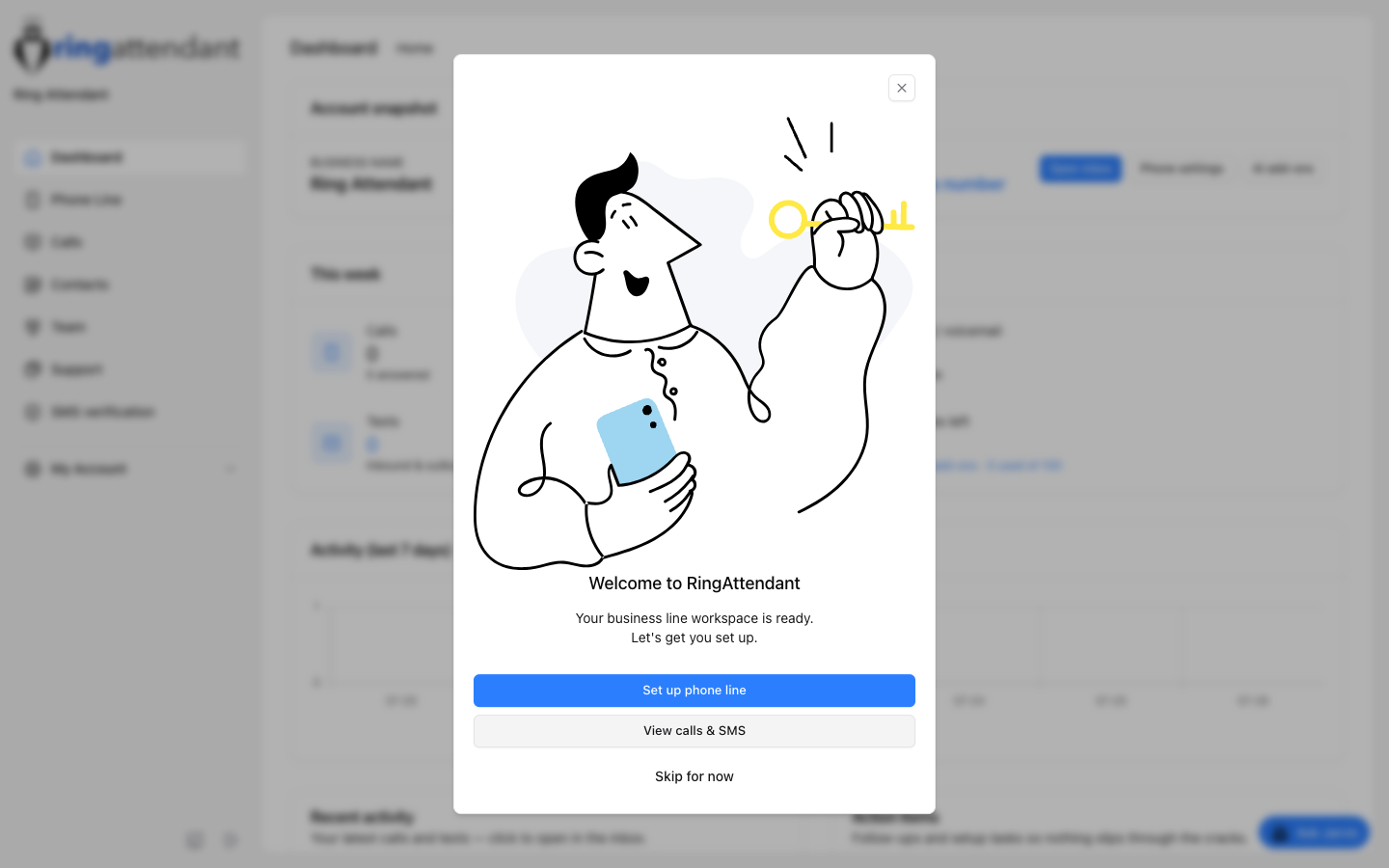
- You land on the Dashboard with a welcome modal.
2
Get a business number
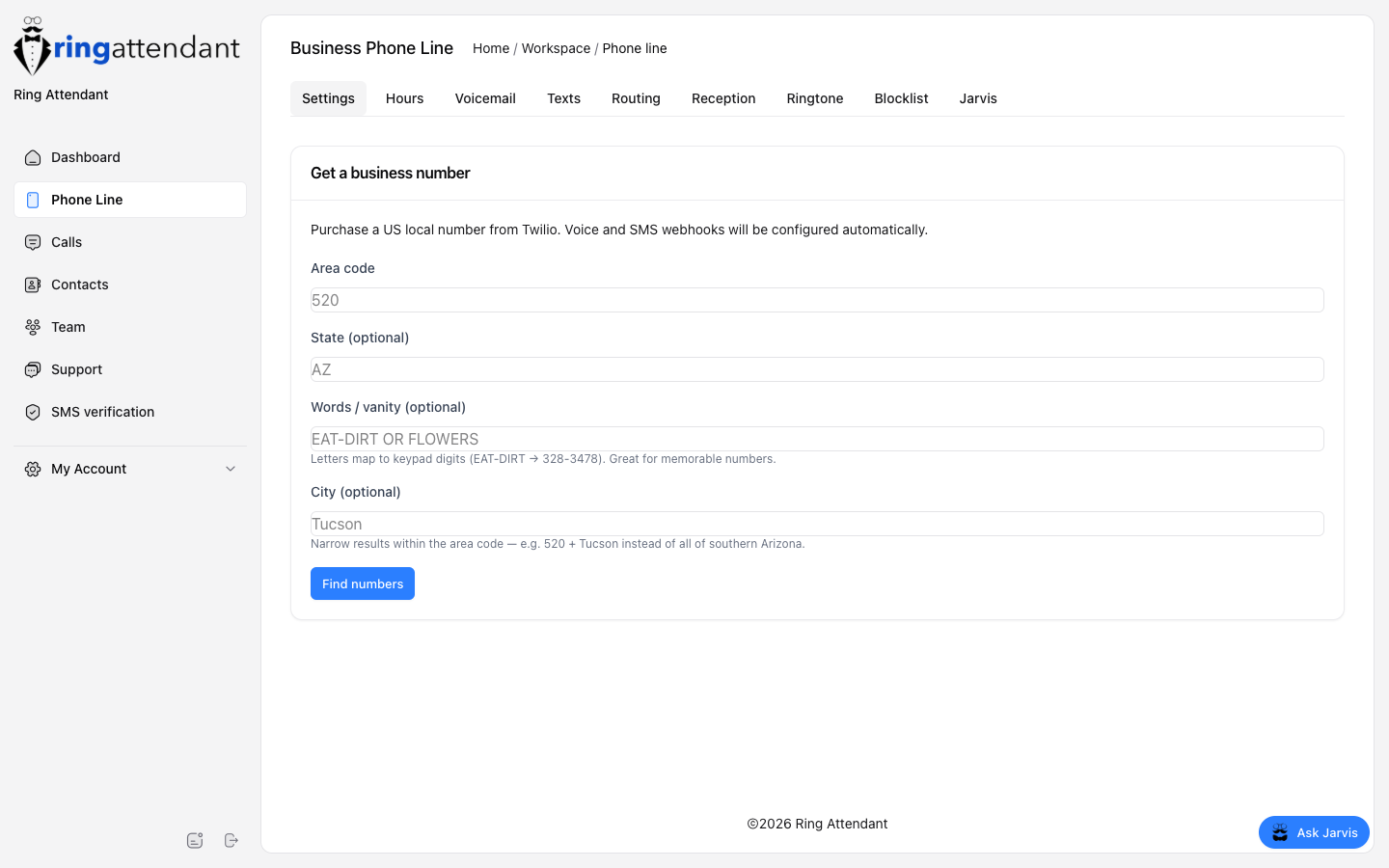
- Click Set up phone line, or go to Sidebar → Phone Line.
- Enter an area code (and optional city / vanity letters).
- Click Find numbers, pick one, and purchase.
- Set how calls should ring under Where should calls ring? — Personal cell, mobile app, or Call flow (Business+). See How calls ring.
3
Finish the customer experience
- Voicemail — record or generate a greeting.
- Texts — enable missed-call SMS and edit the template.
- SMS verification — submit 10DLC so texts can come from your number (until then a shared sender may be used).
- Team — invite coworkers if others should answer or text.
Tip
Vanity search maps letters to keypad digits (for example EAT-DIRT → 328-3478). Pair it with your area code for memorable local numbers.