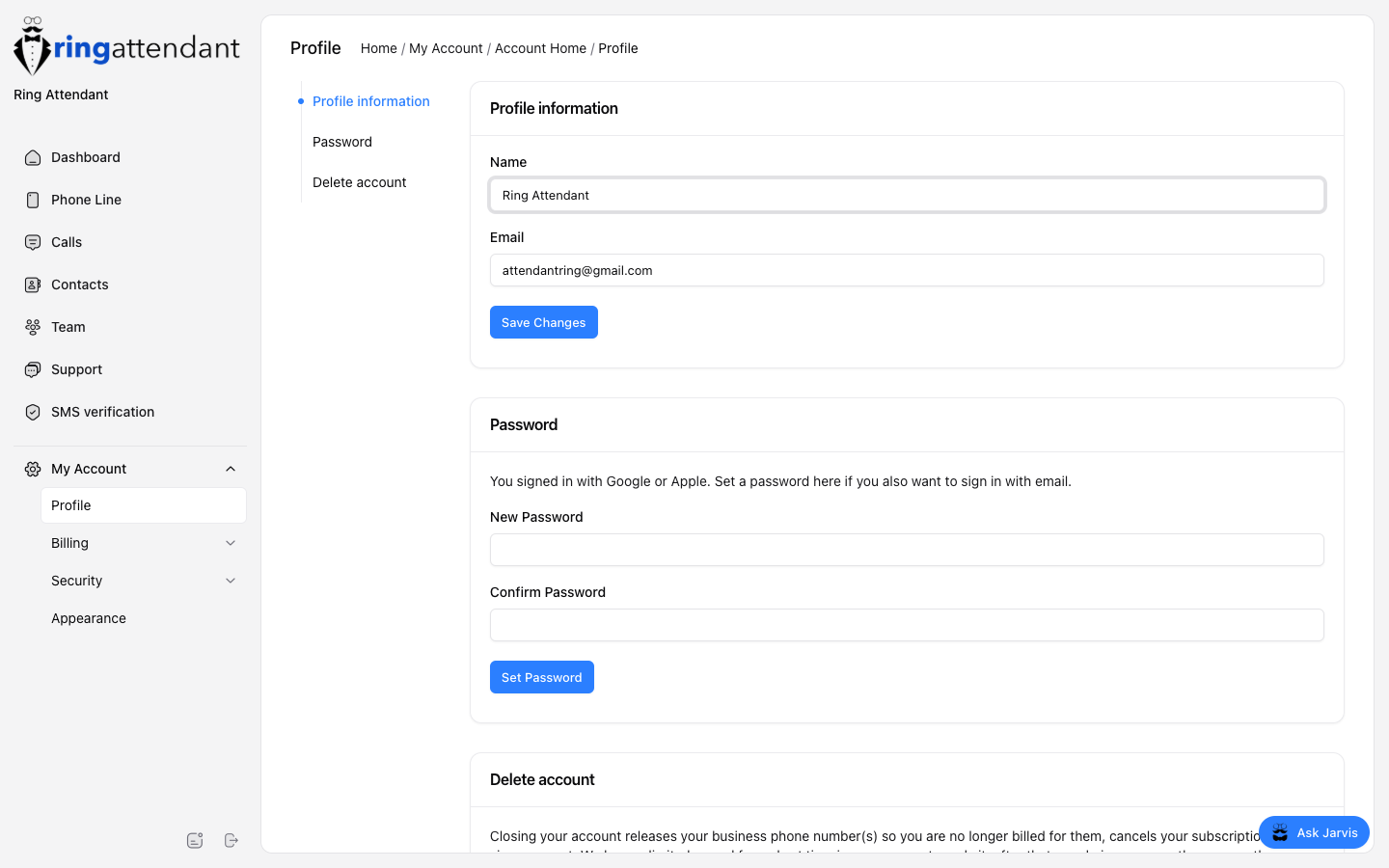
My Account → Profile:
- Edit display name and email.
- Set or change your password.
- Delete your account (releases numbers and cancels subscription).
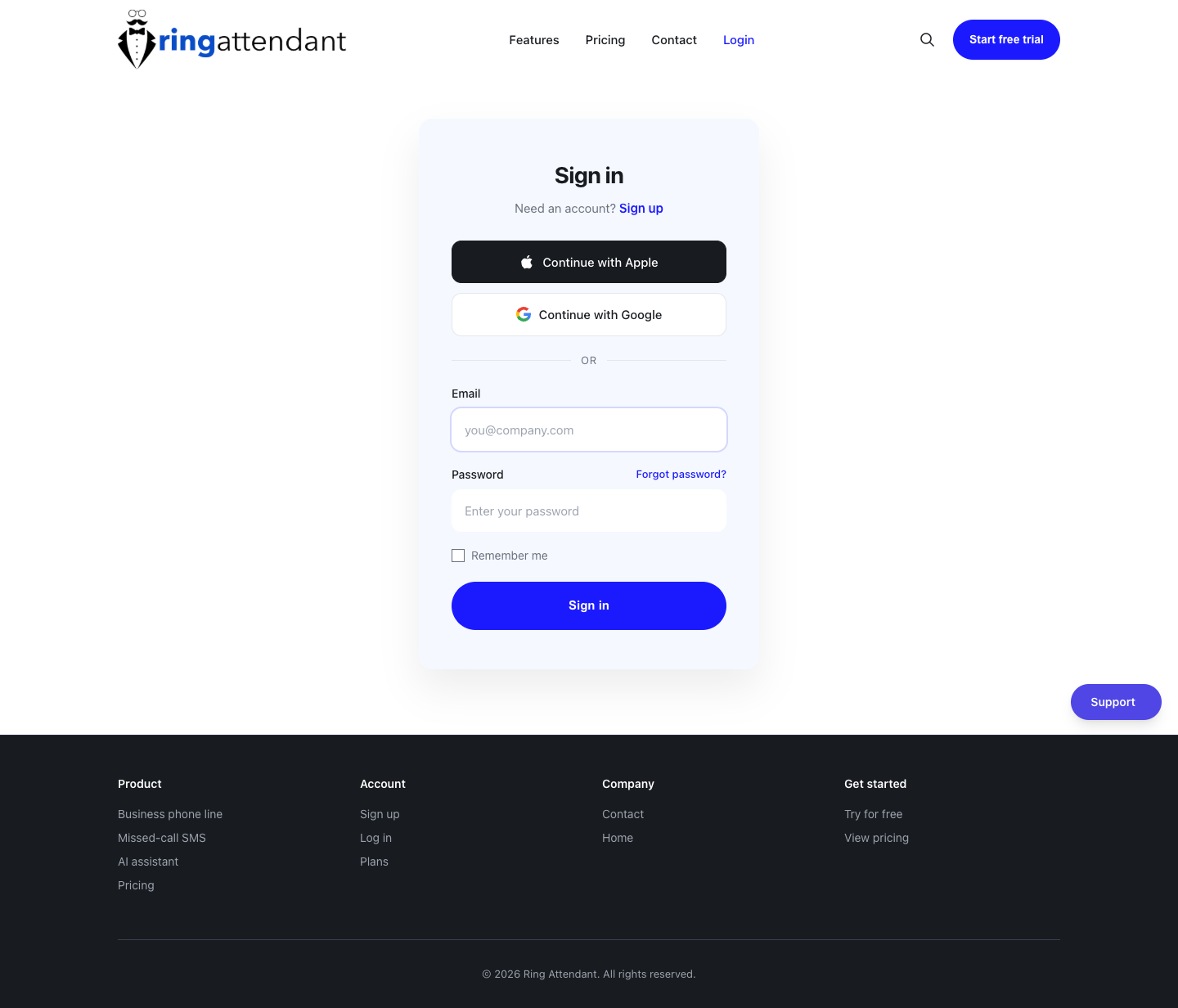
If you signed up with Google or Apple, you will not be asked for a “current password” the first time you set one — use Set password so you can also sign in with email later.